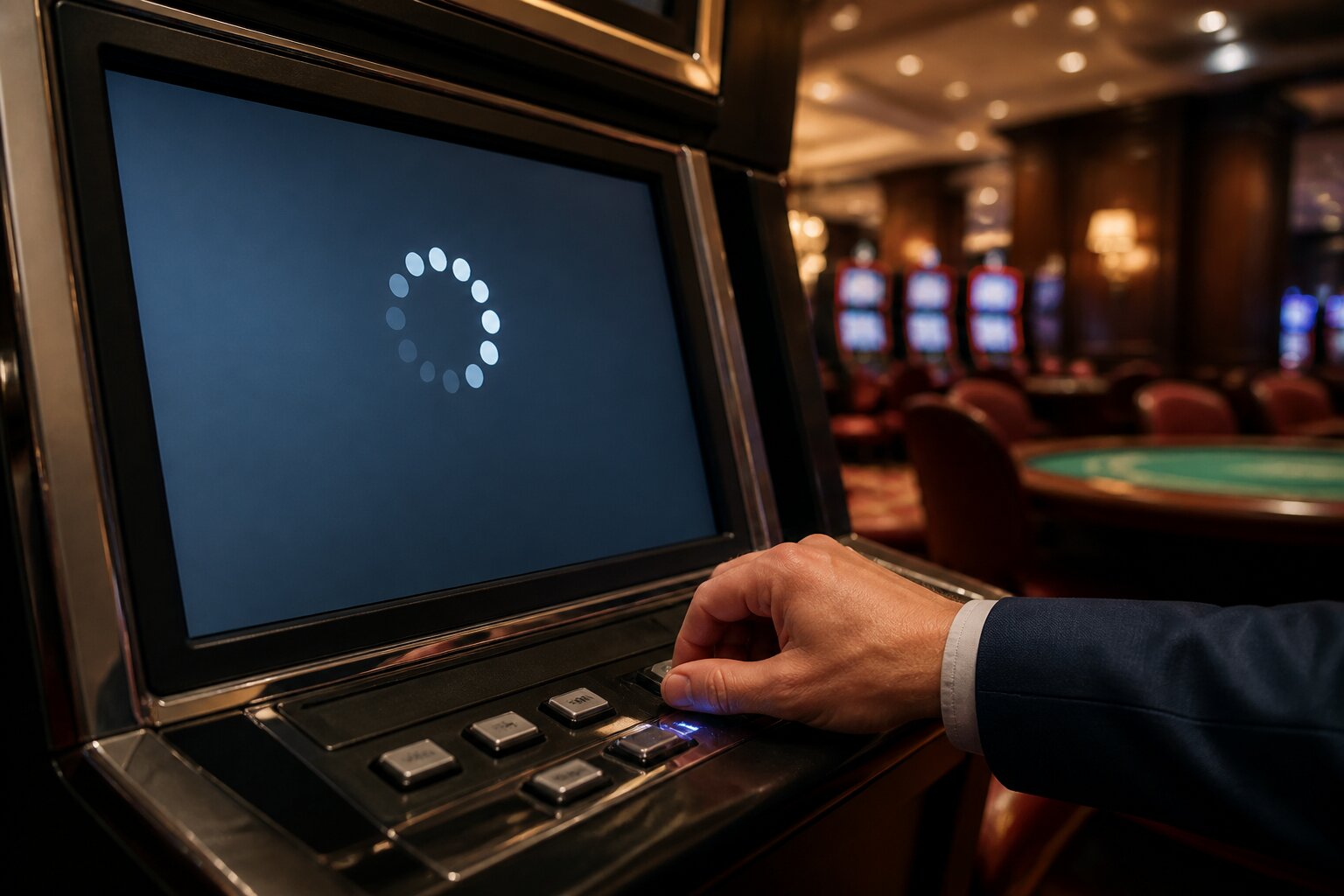
There’s nothing more frustrating than a casino game freezing or refusing to load when you are just getting into the action. You may worry about your stake, whether to reload the page, or what happens to the round you were in.
These hiccups are common and usually solvable without drama. Understanding the typical causes and knowing what to try first will help you get back to playing with minimal disruption.
Curious about what causes these glitches and what to do next? The following sections explain the reasons, quick fixes and when to escalate matters so you can move on with confidence.
Common Causes of Frozen Screens & Loading Issues
Frozen screens and loading problems in online casino games usually come down to ordinary technical or device-related factors rather than anything affecting how the game is designed.
The most common causes include:
- Slow or unstable internet connection: If your Wi‑Fi drops or your mobile data signal is weak, the game may get stuck or fail to load completely.
- Browser problems: An outdated browser or one not fully supported by the casino can create glitches. Accumulated cache or restrictive cookie settings can also interfere.
- Outdated game software: If the casino or your device has not updated to the latest game version, compatibility issues may occur.
- Server maintenance or outages: Casinos sometimes perform maintenance that temporarily affects game availability.
- Multiple tabs or apps running: Having many programmes or tabs open can strain device memory and slow performance.
Spotting which of these issues is most likely will guide which fix to try first. That helps avoid unnecessary steps and gets you back into play more quickly. Next, learn a few immediate actions that resolve most freezes without needing tech support.
How Can You Quickly Unfreeze a Casino Game?
When a game freezes, a calm, simple approach is best. Start by looking for any on‑screen message: some games suggest waiting, offer a “Restart Game” button, or display an error code that gives a clue.
On desktop sites, a single page reload often restores the session. If the casino offers a “Restart Game” option, that reloads only the game and is usually safer than reloading the whole site. For mobile apps, fully close the app and reopen it; for mobile browsers, close the tab and open a new one before returning to the casino.
If those options fail, log out of your account and log back in once. Reputable operators keep a record of your session, so this can restore the game state without loss. Check your internet connection and, if needed, switch to a steadier network or move closer to your router.
If frustration builds, pause briefly to avoid rushed decisions. The next section walks through well‑tested troubleshooting steps if a quick reload does not fix the problem.
Troubleshooting Step-by-Step: Solving Game Loading Problems
Troubleshooting means working through a few targeted steps to identify and solve the issue. These actions cover the most common problems while avoiding repeated attempts that can make matters worse. If these steps do not resolve the issue, contact customer support with details so they can investigate.
Refreshing the browser or app
On desktops or laptops, press F5 or select the browser’s reload arrow. In mobile browsers, swipe down on the page or tap the reload symbol. For apps, close the app fully through the app switcher and then reopen it. Repeatedly refreshing in quick succession is best avoided because it can cause session conflicts.
Clearing cache and cookies
Clearing cached files and cookies removes outdated site data that can cause games to malfunction. This may log you out, so ensure you know your login details before clearing data. Where to find these controls varies by browser and device but are usually in the browser’s privacy or history settings.
Checking internet connections
Confirm you are on a stable Wi‑Fi network or have a strong mobile data signal. If general speeds are slow at home, restarting the router can help. Switching between Wi‑Fi and mobile data can quickly reveal whether the network is the problem.
Updating your device or software
Ensure your browser, the casino app and your device operating system are all up to date. Developers release patches to fix compatibility issues and optimise performance; running older software raises the chance of errors.
Trying an alternative device or browser
If a game still fails to load, try a different device or a different browser on the same device. Occasionally a specific combination of game, browser and device causes the fault, and switching will confirm that.
These steps resolve most loading issues. If the problem persists after you have worked through them, contact the casino’s support team rather than continuing to attempt fixes on your own. The next section explains what information to gather before you get in touch.
When Should You Contact Customer Support?
Contact customer support when problems persist despite basic troubleshooting, or when there are signs that require an operator investigation. Examples include a game that always fails to start, repeated freezes after refreshes, unexplained session terminations mid‑round, or a balance that has not updated after placing a bet.
When you contact support, provide concise details to help their investigation:
- Game title and provider
- Exact time and date of the issue
- Device and operating system used (for example, iPhone with iOS 16, Windows laptop)
- Any error messages or codes shown
- Steps already taken to try to resolve the problem
Support teams can check server logs, confirm whether maintenance or outages are affecting play, and advise if a recorded session needs restoring. They are not able to alter game outcomes, but they can ensure technical faults are addressed and guide you on the next steps. After contacting support, you will often receive guidance that points to site or account checks — the next section explains what to look for in a secure operator.
Is Your Casino Site Secure and Reliable?
A secure and reliable site protects your account, your payments and the integrity of games. Look for standard security measures such as SSL encryption, clear identity‑verification procedures and transparent terms and conditions. Licensed game providers and independent audits are also indicators that game software is regularly checked for proper operation.
Operators commonly provide tools to help players manage their play, including deposit limits, session reminders and self‑exclusion options. These features support safer play and demonstrate that the site takes player protection seriously. Make use of them if you want to control how much time or money you spend.
If a site displays clear contact channels, up‑to‑date software and routine audit statements, technical problems are more likely to be accidental and resolvable through the troubleshooting steps and support process explained earlier. With those safeguards in place, you can be confident that freezes and loading errors will be treated as service issues rather than unexplained losses.
Final note: brief interruptions can usually be resolved quickly by checking your connection, refreshing sensibly and contacting support with clear details when needed, while using available account controls to keep play under your control.
Play Online Casino Games at Umbingo
Explore the range of online casino games available at Umbingo, a site licensed and regulated by the UK Gambling Commission.
If you choose to play, you can create an account, make a deposit and browse the games available to you.
**The information provided in this blog is intended for educational purposes and should not be construed as betting advice or a guarantee of success. Always gamble responsibly.